
BECOME A PAX EXPERT IN MINUTES
Setting up a Clerk/Server ID and Processing Pre-Auth/Post Auth Transactions
This video shows how to set up a Clerk/Server ID and how to process Pre-Auth/Post-Auth TransactionsSIM Card & APN Setup
This video shows how to use and find a SIM card with a PAX device and set up the APN.Locating the Serial Number for your PAX Device
This video shows how to clear the database, delete a single transaction, and adjust the batch number.Batch related issues- Clearing Databases, Deleting Transactions & Adjusting Batch Numbers
This video shows how to clear the database, delete a single transaction, and adjust the batch number.How to Process a Transaction, a Void, and a Return/Refund
This video shows how to process, void, refund, and return transactions.Closing the Batch and Printing a Report
This video shows how to close the batch screen and print a batch report.A35 Setup
This video shows how to access the Menu from the idle screen in an external POS setup with steps on how to adjust your batch number and close the batch manually.Connecting Your Device to Wi Fi and Running Ping Test
This video shows how to connect to Wi-Fi and run a ping test.Delete a Corrupted Transaction and Run a Forced Transaction
This video shows you how to delete a corrupted transaction and run a forced transaction.Why Won’t My A920 Hold a Charge?
In this video, we dive deeper into solving why your A920 may not be holding a charge. We list potential causes like forgetting to remove the protective tab on the battery, or perhaps the possibility of a damaged wall outlet.How to Set Up Wi-Fi on the A920
A quick video showing how to set up the Wi-Fi on PAX A920.How to Change Receipt Paper on the A920
A step-by-step guide on how to load a roll of paper and how to successfully print a receipt after a transaction has been completed.How to Unbox an A920
A video showing the unboxing and setting up the A920.QUESTIONS? WE’VE GOT ANSWERS.

Looking For More Information?
Discover more about PAX, support documents, and more using our site map.

Report a Security Incident
Have a security concern with a POS or application? Report the incident here.

Get Support
Contact our support team and browse our Support Documents, FAQs, Knowledge Base, and more!

Find a Distibutor
To purchase a PAX product, contact one of our preferred distributors today.
Why Companies Worldwide Choose PAX

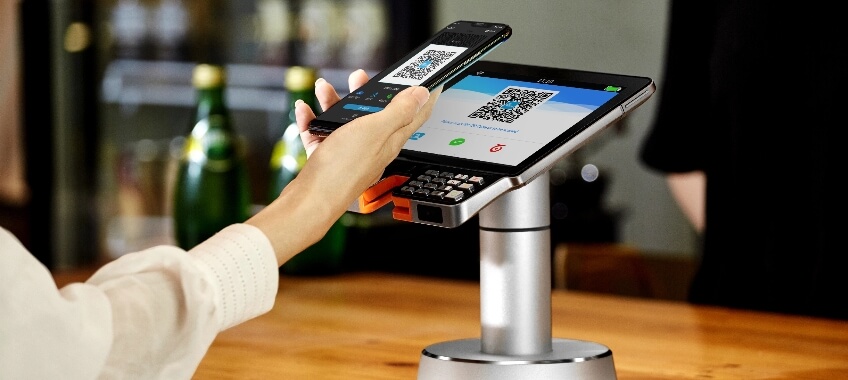
More Than Just Payments
Get access to exclusive apps in our one-of-a-kind marketplace, PAXSTORE. Power up your devices and terminals and make them work for you.
MARKETPLACE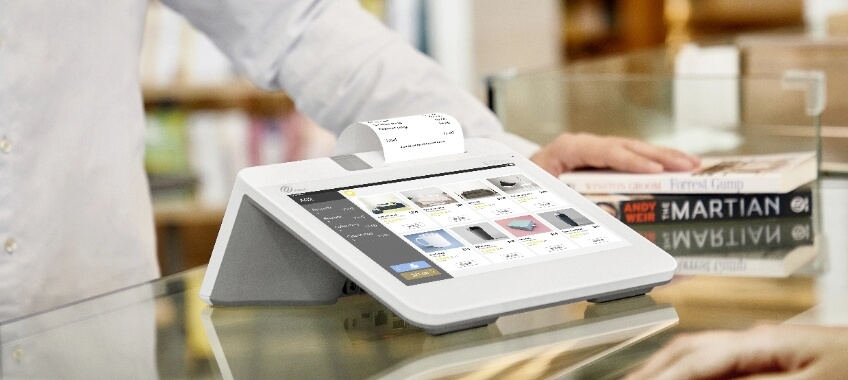
Maximum Flexibility
Powered by Android, our devices are built for flexibility and innovation. Easily and quickly customize your terminals to fit your unique needs.
SOLUTIONS
Easy Certifications
With PAX’s common kernel, certifying your payment devices across multiple payment terminal platforms is easier than ever before.
PRODUCTSPAXSTORE












































Follow Us
Stay connected with the future of payment technology by following PAX Technology on social media!
From the latest product innovations and industry insights to success stories and event highlights,
our channels are your go-to source for everything payments.